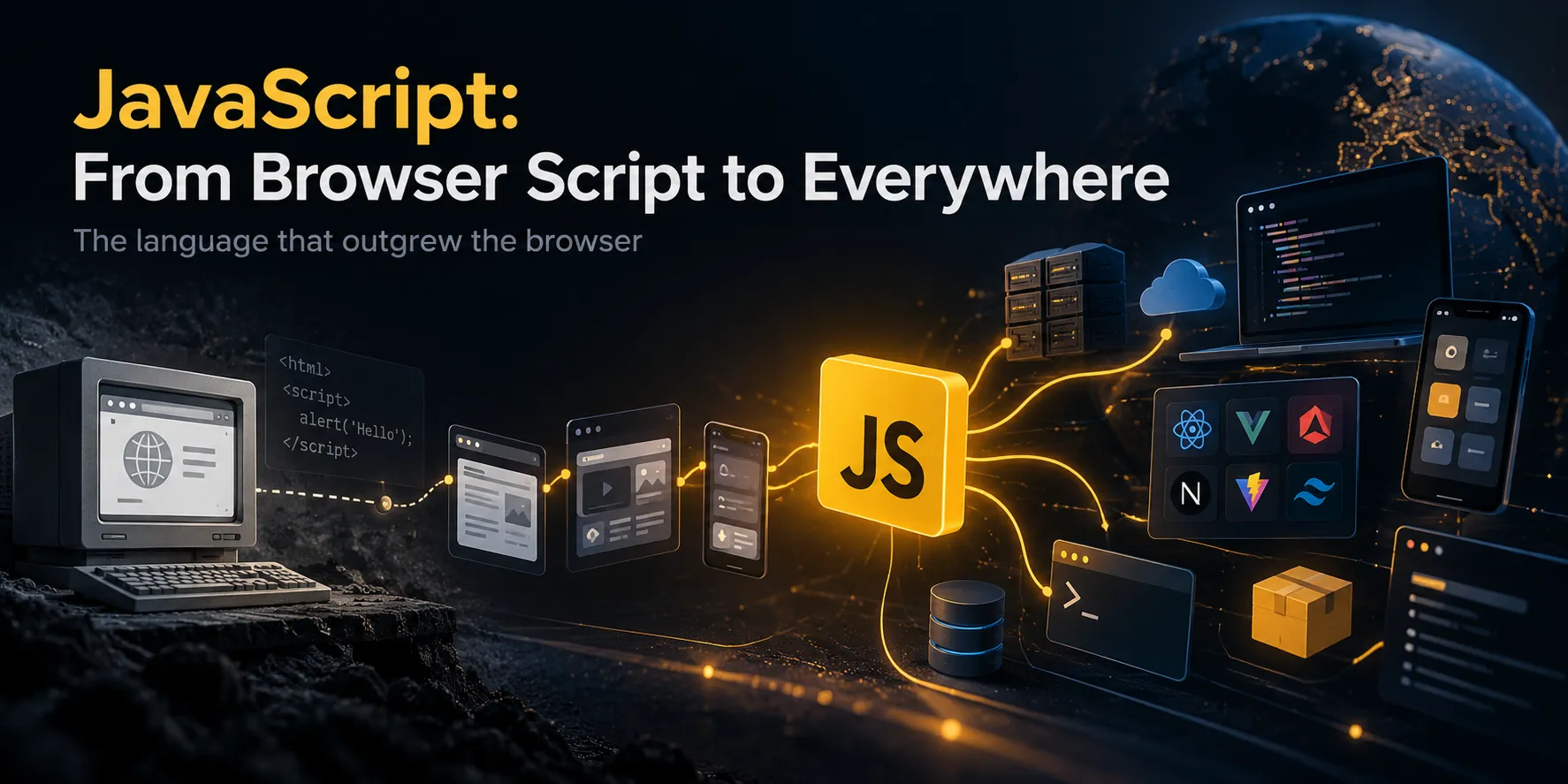
JavaScript: From a Browser Script to a Language That Runs Almost Everywhere
TL;DR: JavaScript began in 1995 as a way to make web pages interactive. Standardization, faster engines, Node.js, modern tooling, and a huge package ecosystem turned it into one of the central technologies of modern software development.
This is a tour of how JavaScript evolved, what it can do today, and why a language that once handled a few browser interactions now powers so much of the software around us.
What was JavaScript supposed to do in the first place?
Go back to 1995. The web was nothing like the application platform we use today. Pages were mostly documents: text, links, images, and forms. Browsers needed a way to make those pages react to users instead of remaining static documents.
That was the environment in which Brendan Eich, working at Netscape, created the language that became JavaScript. Its first prototype came together in an extraordinarily short period—about ten days. The language went through names including Mocha and LiveScript before JavaScript became the name people remember.
Its original mission was straightforward: let developers add small interactive behaviors directly to web pages. React to clicks, validate a form, update some content, or respond to a user action. That sounds ordinary now. At the time, it was a meaningful step toward a more interactive web.
The name has caused confusion ever since. Despite the similarity, JavaScript and Java are different programming languages. The branding emerged from the competitive and marketing context of the era; it does not mean JavaScript is a version of Java.
Further reading: MDN's JavaScript history and Brendan Eich's own historical notes.
The browser problem: everyone was doing their own thing
When a language grows inside competing browsers, compatibility becomes a problem. If each vendor implements different behavior, developers end up writing and testing multiple versions of the same feature. During the browser wars of the 1990s, this was a real concern.
Standardization became essential. Work on standardizing JavaScript began at Ecma International in 1996, and the first ECMAScript standard was published in 1997. ECMAScript is the formal name of the language standard; JavaScript is the name most developers use in everyday conversation.
The distinction still matters:
- ECMAScript defines the language itself: syntax, functions, objects, promises, modules, and built-in behavior.
- Web APIs are supplied by the browser: the DOM,
fetch,localStorage, and browser events, for example. - Node.js APIs belong to the Node runtime: file access, networking, processes, and operating-system integration.
That is why document.querySelector() is not part of the language core. It is a browser DOM API. In Node.js, there is normally no document, because Node is not a web page.
For a clear breakdown, see MDN's JavaScript technologies overview.
The big turning point: ES2015, also known as ES6
For years, JavaScript carried the baggage of its older versions. Large codebases could become awkward to structure, and managing dependencies was less standardized. Then ECMAScript 2015—usually called ES6—introduced a major modernization.
Some of its most influential features included:
letandconstfor more predictable block-scoped bindings.- Arrow functions for concise function expressions.
- Template literals for readable string interpolation and multiline strings.
- Destructuring for extracting values from arrays and objects.
classsyntax over JavaScript's prototype-based object model.- Native
importandexportmodules. - Promises for representing asynchronous results.
For example, string interpolation becomes easier to read:
const name = "Wrench";
const message = `Hello, ${name}. Welcome to the JavaScript world.`;

console.log(message);
And modules let us separate responsibilities:
// math.js
export function add(a, b) {
  return a + b;
}

// app.js
import { add } from "./math.js";

console.log(add(10, 20));
Since ES2015, ECMAScript has followed an annual release cadence. New language features go through public proposals and review in TC39, so a feature discussed online is not necessarily part of the finalized standard. You can track the process in the official TC39 proposals repository.
Why does modern JavaScript feel like a different world?
The answer is not just “new syntax.” Several changes reinforced one another:
1. JavaScript engines got faster. Engines such as V8 in Chrome and Node.js, and SpiderMonkey in Firefox, analyze and execute code and use techniques such as just-in-time compilation to improve performance.
2. Browsers became application platforms. The DOM, Canvas, Web Audio, WebGL, Web Workers, Service Workers, and other Web APIs made experiences possible far beyond static pages.
3. Node.js took JavaScript outside the browser. The same language could build servers, command-line tools, automation scripts, and network services.
4. The tooling ecosystem matured. npm, bundlers, transpilers, test runners, and development tools made larger projects more manageable.
5. UI frameworks changed how interfaces are built. React, Vue, Svelte, and their surrounding ecosystems reshaped the development of complex user interfaces.
None of these developments alone explains JavaScript's position today. The combination of the language, engines, runtime environments, APIs, and ecosystem made the difference.
One surprising detail: JavaScript is not an operating system
It helps to separate the language from the environment in which it runs. JavaScript defines language behavior, but the ability to read files, access a camera, or open network connections depends on the runtime and its permissions.
In a browser, access is restricted by web security rules. In Node.js, code can use operating-system APIs to access files and networks. Deno, meanwhile, is designed around more explicit permissions for many sensitive operations.
This is practical, not merely theoretical. A normal web page cannot freely read any file on your computer, while a Node.js script can read files when given the relevant APIs and operating-system permissions.
Async JavaScript: how can it work without freezing everything?
One of JavaScript's most important concepts is asynchronous execution. Imagine an app sending an HTTP request. If the whole application had to stop until the response arrived, the user experience would suffer.
JavaScript evolved from callbacks to Promises and then async/await, which makes asynchronous code easier to read:
async function loadUser() {
  const response = await fetch("https://jsonplaceholder.typicode.com/users/1");

  if (!response.ok) {
    throw new Error(`HTTP error: ${response.status}`);
  }

  const user = await response.json();
  return user;
}

loadUser()
  .then(user => console.log(user.name))
  .catch(error => console.error(error));
await does not create a new thread. It makes waiting for a Promise's result easier to express. In many JavaScript environments, code runs on a main thread while asynchronous work is coordinated through the event loop and environment APIs. The exact details depend on the runtime and operation.
A CPU-heavy loop can still block the browser's main thread. For that kind of work, consider Web Workers, Node.js worker threads, or WebAssembly for selected computational tasks.
Things you might not know JavaScript can do
1. It can run on the server
With Node.js, JavaScript can build APIs, web servers, WebSocket services, command-line utilities, and background jobs. Here's a tiny example:
import { createServer } from "node:http";

const server = createServer((req, res) => {
  res.writeHead(200, { "content-type": "text/plain; charset=utf-8" });
  res.end("Hello from JavaScript on the server!");
});

server.listen(3000, () => {
  console.log("Server running at http://localhost:3000");
});
There is no DOM here. Instead, the program uses Node's APIs.
2. It can power desktop applications
Tools such as Electron and Tauri let developers use web technologies for desktop application interfaces. Electron typically ships Chromium and Node.js with the application. Tauri takes a different approach: it uses the system WebView for the UI, while native application logic is commonly written in Rust.
This does not mean JavaScript has replaced every native language. It means a web-based UI can be packaged as a desktop application, with native code available where needed.
3. It can reach mobile devices
With React Native, developers can build mobile interfaces using React and JavaScript or TypeScript. This is not simply a website inside a WebView: React Native uses native components. Other tools, such as Ionic, follow a different approach and lean more heavily on web technologies.
4. It can work alongside WebAssembly
WebAssembly (Wasm) is a portable binary format designed for execution in supported environments. Code written in languages such as C, C++, or Rust can be compiled to Wasm and run in browsers or certain runtimes.
JavaScript and Wasm are not an all-or-nothing choice. JavaScript often handles UI, glue code, and Web API integration, while Wasm can be useful for selected workloads. Crossing the boundary and moving data has a cost, so measure before deciding.
5. It supports multiple programming styles
JavaScript can be object-oriented, functional, event-driven, or a mixture of these styles. Functions are first-class values: they can be assigned to variables, passed to other functions, and returned from functions.
const operations = {
  add: (a, b) => a + b,
  multiply: (a, b) => a * b,
};

console.log(operations.add(4, 5));      // 9
console.log(operations.multiply(4, 5)); // 20
That flexibility is a strength. Without conventions and structure, though, it can also produce code that is difficult to maintain.
The JavaScript ecosystem: libraries and tools worth knowing
A language is more than syntax. A developer's day-to-day experience depends heavily on the tools built around it. This is not a definitive ranking; each tool solves a different problem.
User interfaces
- React: A library for component-based user interfaces. Its ecosystem is large, and projects often pair it with separate routing, data-fetching, and build tools.
- Vue: A progressive framework with an approachable development experience and strong documentation.
- Svelte: A compiler-oriented approach that moves much of its work to build time.
- Solid: Focuses on fine-grained reactivity and a component-based model.
- Astro: Useful for content-heavy sites and designed to limit client-side JavaScript by default.
There is no universally “best” framework. A dashboard, a blog, a store, and a complex web application have different requirements.
Build and development tools
- Vite: A fast development environment and build tool for modern frontend projects.
- esbuild: A fast tool for bundling and transforming code.
- Rollup: Particularly useful for bundling JavaScript libraries.
- Vitest: A test runner that integrates well with the Vite ecosystem.
- Playwright: End-to-end browser testing.
- ESLint: Finds likely problems and enforces code-quality rules.
- Prettier: Keeps code formatting consistent.
Servers and APIs
- Express: A minimal, widely known framework for web apps and APIs on Node.js.
- Fastify: A web framework focused on performance and developer experience.
- NestJS: A more structured server-side framework, useful for teams that want clear modules and conventions.
- Hono: A lightweight framework usable across multiple runtimes and edge environments.
- Socket.IO: Event-based, bidirectional communication, often used for real-time features.
- Prisma: An ORM and data-access toolkit for TypeScript and Node.js applications.
These tools are not interchangeable. Choosing Express over NestJS, for example, is not only about speed; it is also about the amount of structure, team conventions, and project complexity.
Validation, data, and state management
- Zod: Schema definition and data validation with strong TypeScript integration.
- TanStack Query: Manages server-state fetching and caching in UI applications.
- Zustand: State management for React with a relatively small API.
- Redux Toolkit: The official recommended toolset for making Redux simpler to use.
- date-fns: Date utilities; timezone handling still needs careful thought for timezone-sensitive applications.
Newer runtimes: Node.js is not the only option
- Node.js: A mature runtime with a very large ecosystem and broad compatibility.
- Deno: A runtime with first-class TypeScript support, built-in tooling, and a more explicit permissions model.
- Bun: An integrated toolkit with a runtime, package manager, test runner, and bundler. Compatibility with Node.js should still be checked against a project's actual dependencies.
These runtimes do not have one universal winner. Dependency compatibility, deployment model, team tooling, runtime behavior, and real-world performance matter more than marketing benchmarks.
Graphics, audio, and data libraries
- Three.js: 3D graphics in the browser.
- D3.js: Data visualization with detailed control.
- TensorFlow.js: Runs selected machine-learning models and operations in JavaScript.
- Puppeteer: Browser automation and testing, especially for Chromium-based browsers.
- Sharp: Image processing in compatible Node.js environments, delegating much of the heavy lifting to native code.
This ecosystem makes it clear that JavaScript is not just about buttons and animations. GPU access, runtime support, and performance characteristics still vary by library and environment.
TypeScript: when projects get bigger
If JavaScript is so flexible, why do so many teams use TypeScript?
TypeScript is a superset of JavaScript that adds static typing. You can describe function inputs, return values, and data shapes, catching many mistakes before runtime. Types are generally erased from the emitted JavaScript; browsers do not ordinarily execute TypeScript directly unless a runtime or build tool transforms or processes it.
type User = {
  id: number;
  name: string;
};

function greet(user: User): string {
  return `Hello, ${user.name}`;
}
TypeScript does not eliminate all runtime errors. Data arriving from an API still needs validation at the boundary; static types do not automatically make external data safe. But for multi-developer projects, refactoring, and long-term maintenance, TypeScript can be a major help.
Documentation: The TypeScript Handbook.
Is JavaScript actually fast?
The honest answer is: it depends on the workload.
For UI, network I/O, APIs, and many everyday applications, JavaScript can perform very well. Modern engines use substantial optimization, and asynchronous I/O is a good fit for many server workloads. But a CPU-heavy loop on the main thread can still freeze a UI.
Ways to improve performance:
- Measure with a profiler before optimizing.
- Choose appropriate algorithms and data structures.
- Use asynchronous I/O correctly.
- Use Web Workers or worker threads for independent CPU-intensive work.
- Consider WebAssembly or a native addon for selected computational hot spots.
- Avoid oversized bundles and unnecessary dependencies.
Performance work should not start with changing languages. It should start by finding the bottleneck.
Security: more capability means more responsibility
JavaScript in a browser runs under sandboxing and web security policies, but that does not make applications automatically secure. XSS, mishandled tokens, vulnerable dependencies, unsafe deserialization, and server misconfiguration remain real risks.
A few basic rules:
- Do not insert untrusted content into the DOM as HTML without appropriate sanitization.
- Never put secrets in a client-side bundle; anything shipped to a browser can be inspected.
- Review dependencies and lockfiles, and include audit tools in your workflow.
- In Node.js, validate input and limit file access, subprocess execution, and service permissions.
- Do not treat CORS as a replacement for authentication or authorization.
- Validate untrusted input on the server.
Further reading: OWASP Cross Site Scripting Prevention and npm audit.
The future of JavaScript: will it do everything?
JavaScript will likely remain central to the web, but that does not mean other languages are going away. WebAssembly provides a way to bring compiled code into web environments. Rust is compelling for native tools and systems programming. Python remains important in data and machine learning. Other languages have their own strengths in mobile development, systems, and infrastructure.
A single product can even combine them: a TypeScript UI, a Node.js API, a Rust computation module, and WebAssembly for a browser workload. The right choice depends on requirements, team skills, performance targets, and maintenance costs.
JavaScript did not win because it is the best language for every task. It won because it was already at a critical point in the web, gradually became standardized, gained better engines, and attracted an enormous community.
The Wrench take
JavaScript started as a small language for adding interactions to web pages. Today, it can run in browsers, servers, developer tools, desktop and mobile apps, and alongside WebAssembly modules.
Its journey was not driven by one magical feature. It came from an open standard, modern engines, better developer tools, a vast library ecosystem, and a community that keeps building.
So next time someone says, “JavaScript is just for frontend,” you can smile politely. Then send them this article. We won't make a big deal out of it. 🙂
Frequently asked questions
Is JavaScript the same as Java?
No. They are separate languages with different designs, runtimes, and use cases. The similarity in their names is historical.
Does JavaScript only run in browsers?
No. Node.js, Deno, and Bun can execute JavaScript outside the browser.
Should I learn JavaScript or TypeScript?
Learn JavaScript fundamentals first, then add TypeScript for larger projects. TypeScript does not replace understanding JavaScript's runtime behavior.
Can JavaScript replace Rust or C++?
For some use cases, yes; for all use cases, no. JavaScript can work alongside WebAssembly or native addons so each component uses an appropriate tool.
Where should I start?
Start with the MDN JavaScript Guide, build a small project, use Git, and gradually add tests and build tooling.
Sources and further reading
1. MDN — JavaScript Guide
2. MDN — JavaScript Technologies Overview
3. MDN — JavaScript Glossary and History
4. ECMA-262 — ECMAScript Language Specification
5. TC39 — JavaScript Proposals
6. Node.js Documentation
7. TypeScript Handbook
8. WebAssembly
9. Vite Documentation
10. Bun Documentation
11. Deno Documentation
12. OWASP XSS Prevention Cheat Sheet
More from Wrench
Related articles



Comments & rating
Share your experience or reply to an existing discussion.
0 comments